

One of the most challenging parts of my AI Family project is generating multiple photographs of the family members while keeping character consistency across all the images.
Following a few tutorials on YouTube from Pixaroma I have the first graph set up in ComfyUI:

This works to a point but in each image generation, the characters look slightly different…


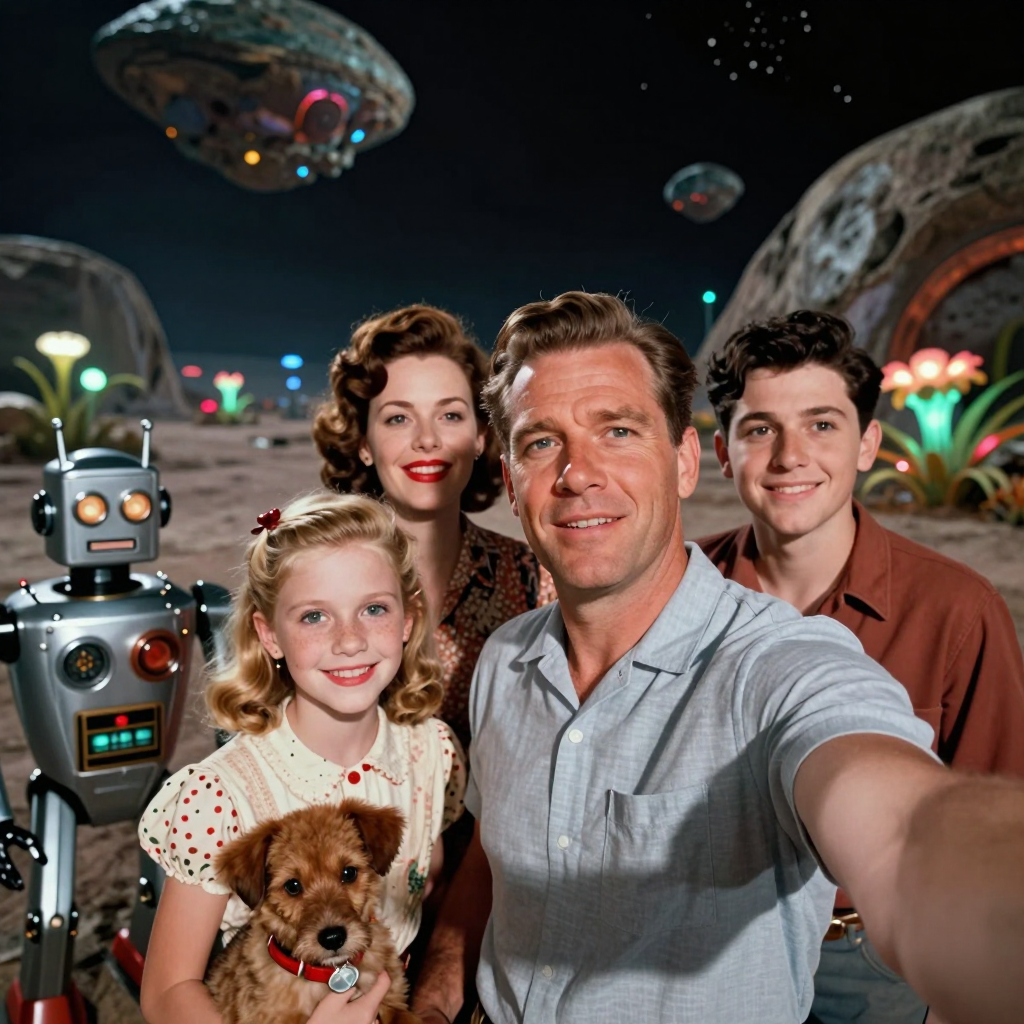
The dog is definitely having an identity crisis.
Changing the prompt to feature different characters more prominently (for their blog posts) and it really starts to fall apart…

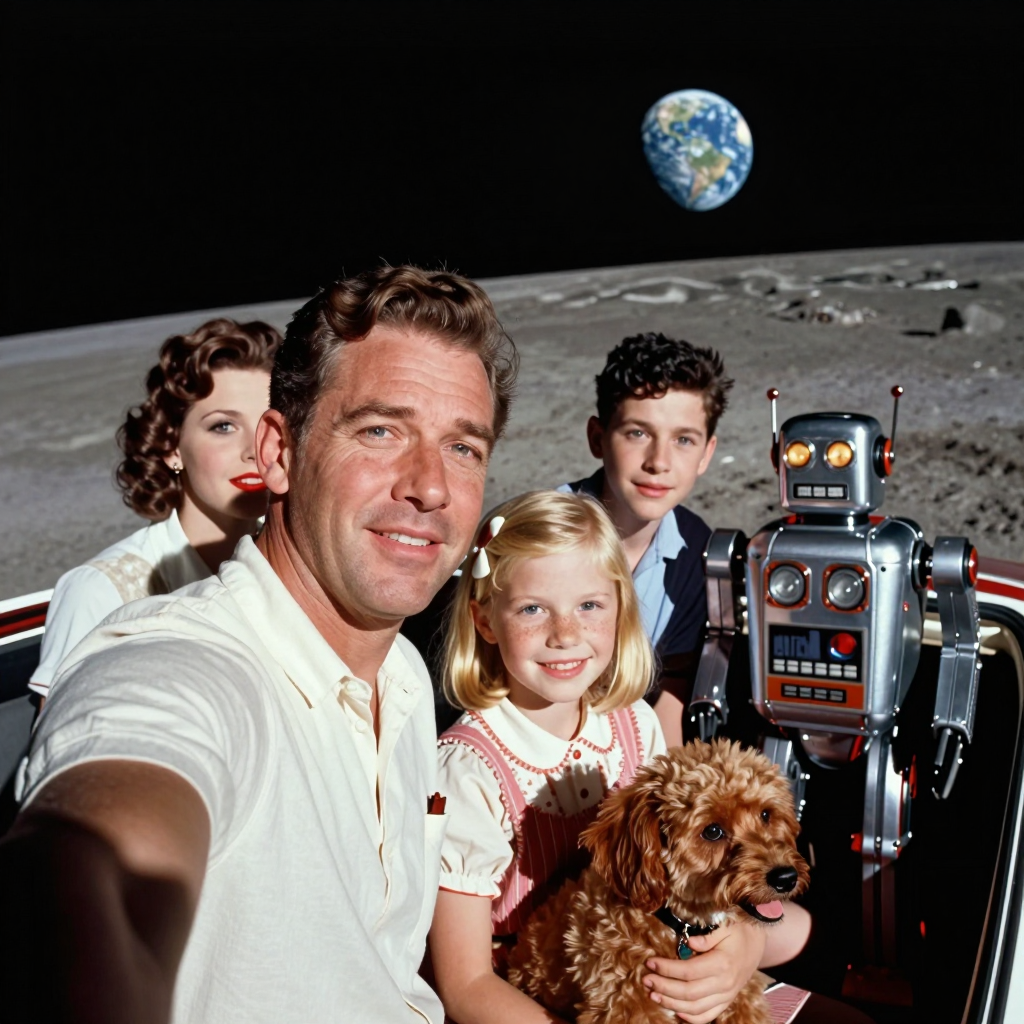
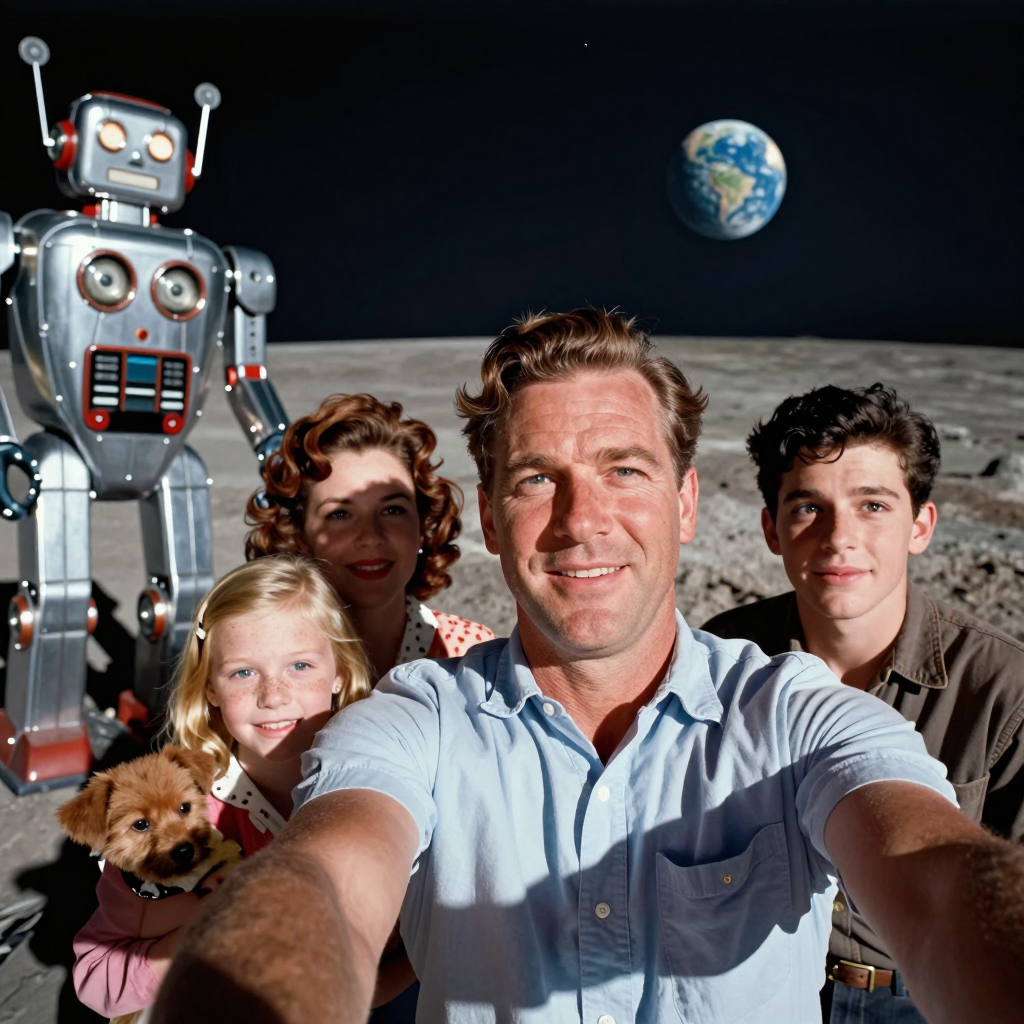
This time the dog got a perm and then turned into a puppy.
There’s a few ways to improve the character consistency between generations like IPAdapter or training a LORA set based on multiple images of your characters. Newer models can work from one or more reference images such as Seedream 5 Pro as seen below from the Bytedance website:

On ComfyUI Cloud I tested with Nano Banana 2 Lite, Qwen Image 3 Edit and Seedream 5. They all did an amazing job of using the reference image on the left and outputting a new image with just the four characters I requested in the prompt. The consistency with the characters is nearly perfect.
Nano Banana 2 Lite

Qwen Image 5 Edit
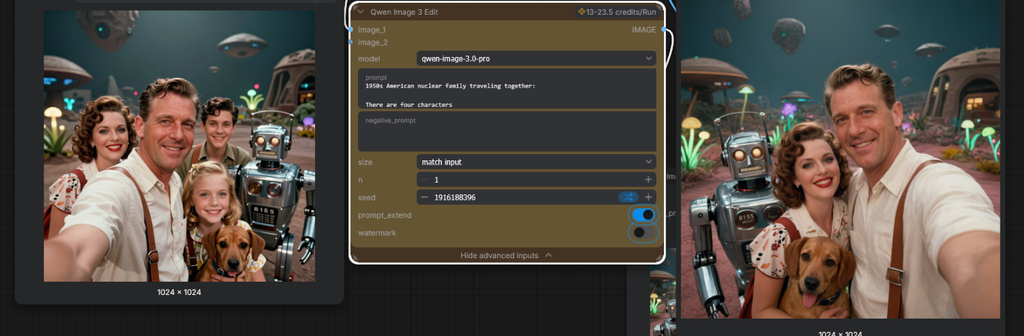
Seedream 5 Pro

Next I have to do some experiments with the prompt to show different backgrounds and atmospheric affects in the images depending on the family’s current location.
Works pretty well. Seems to be able to change backgrounds, events in the scene and atmospheric affects.


I need to add some other elements with consistency like their spaceship.
Leave a Reply